

Install Python
python --versionPIP (PIP is the package manager which is included in Python from 3.4)
pip --versionif PIP is not installed install by
curl https://bootstrap.pypa.io/get-pip.py -o get-pip.pypython get-pip.pyCreating a virtual environment
py -m venv myworldThen you have to activate the environment, by typing this command:
Windows:
myworld\Scripts\activate.batUnix/MacOS:
source myworld/bin/activateInstall Django
python -m pip install DjangoCheck django version
django-admin --versionFirst django project
django-admin startproject quizRunning the server
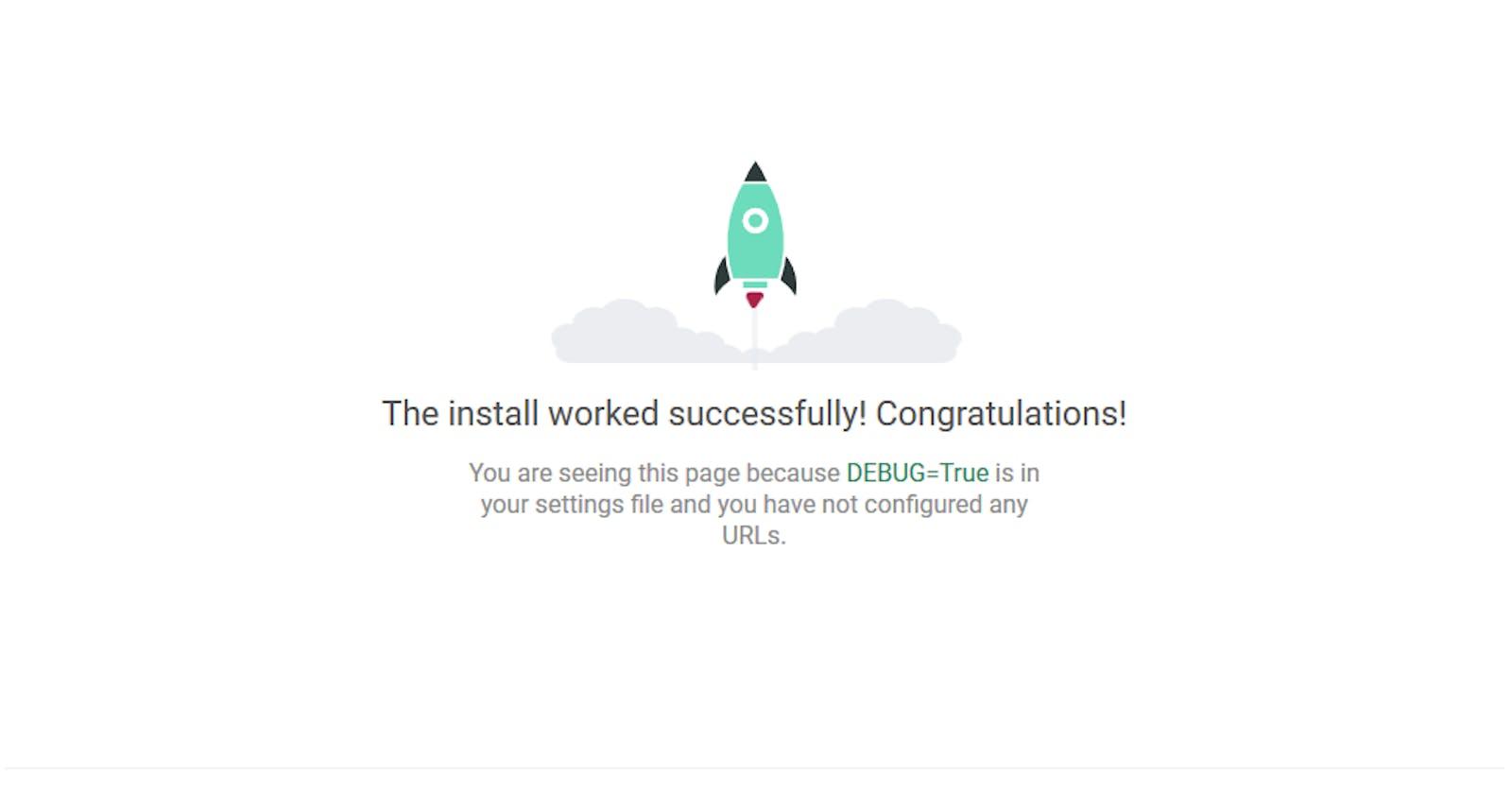
py manage.py runserverCreate first app
py manage.py startapp QuestionsPromoting: Digital Patro Nepali Calendar
Github: https://github.com/digitalpatro%[https://www.youtube.com/watch?v=2z3gAXiEoXQ]